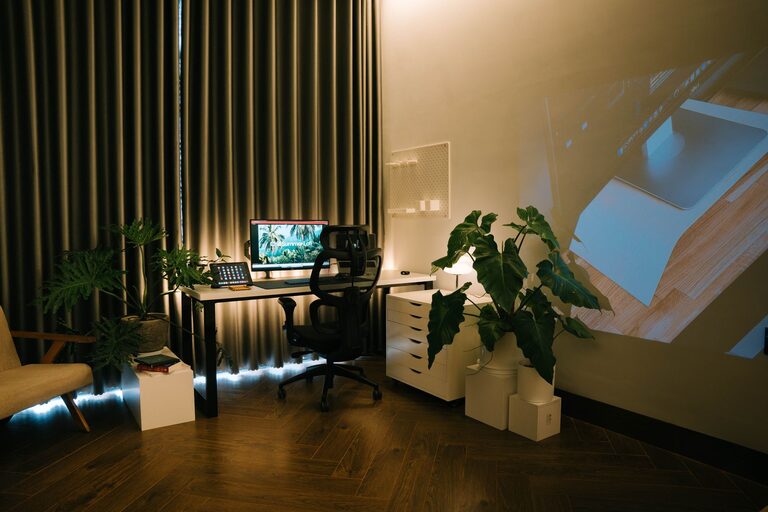
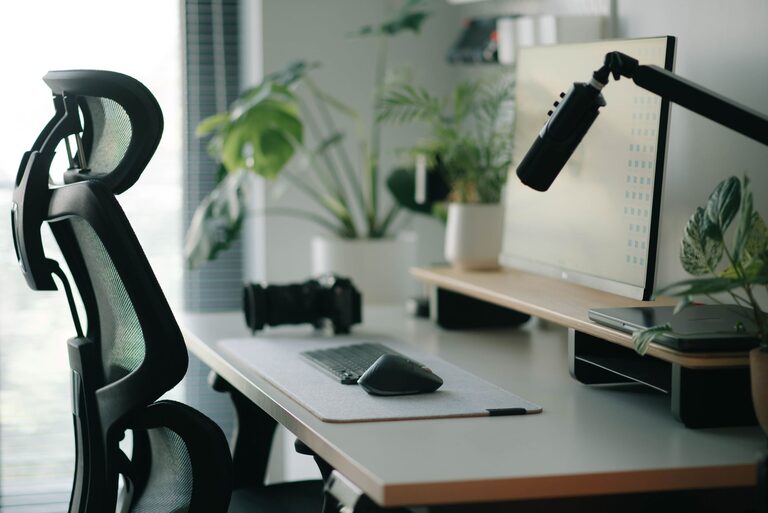
Creating a desk setup that promotes both focus and comfort can significantly improve your productivity and overall well-being. Whether you work from home, in an office, or need a dedicated study space, the right environment helps you stay engaged and reduces physical strain. In this post, we’ll explore practical tips to design a desk setup that supports your concentration and keeps you comfortable throughout the day.
Why Your Desk Setup Matters
A well-organized and ergonomically designed workspace can enhance your ability to focus by minimizing distractions and physical discomfort. Poor posture, clutter, and inadequate lighting can cause fatigue, pain, and decreased motivation. Investing time in optimizing your desk setup benefits your mental clarity, productivity, and even your health.
—
Key Elements of an Effective Desk Setup
1. Choose the Right Desk and Chair
– Desk height: Aim for a desk height where your elbows can rest comfortably at about a 90-degree angle when typing or writing.
– Chair support: Select an adjustable chair with good lumbar support to maintain the natural curve of your spine.
– Foot position: Your feet should rest flat on the floor or on a footrest to reduce pressure on your legs.
2. Position Your Monitor Properly
– Place your monitor about an arm’s length away.
– The top of the screen should be at or slightly below eye level.
– Avoid glare by positioning your monitor away from direct sunlight or windows.
3. Use Proper Lighting
– Natural light is ideal, but avoid harsh glare.
– Use a desk lamp with adjustable brightness to reduce eye strain.
– Consider warm white light for a calming atmosphere and daylight bulbs for alertness.
4. Organize Your Desk for Efficiency
– Keep frequently used items within arm’s reach.
– Use organizers, trays, or drawers to reduce clutter.
– Limit decorations to a few meaningful or motivational pieces to avoid distractions.
—
Tips to Enhance Focus at Your Desk
1. Minimize Distractions
– Turn off unnecessary notifications on your phone or computer.
– Use noise-cancelling headphones or calming background music to block out disturbances.
– Keep your workspace neat to avoid visual clutter.
2. Develop a Routine
– Start each day with a quick tidying of your desk.
– Set specific times for breaks to avoid burnout.
– Use timers or productivity techniques like the Pomodoro method to maintain focus.
3. Personalize Without Overcrowding
– Add plants, photos, or inspiring quotes to create a pleasant environment.
– Avoid overcrowding your desk to keep your mind clear.
– Choose decor that uplifts your mood and motivation.
—
Comfort Tips to Support Your Well-Being
1. Take Regular Breaks
– Stand up and stretch every 30-60 minutes.
– Consider using a sit-stand desk to alternate positions.
– Use break time to move your eyes away from the screen and relax your muscles.
2. Maintain Good Posture
– Keep your back straight with shoulders relaxed.
– Avoid slouching or leaning forward.
– Adjust your chair and desk setup as needed throughout the day.
3. Stay Hydrated and Nourished
– Keep a water bottle nearby to remind you to drink regularly.
– Choose healthy snacks that provide sustained energy.
– Avoid excessive caffeine or sugar to prevent energy crashes.
—
Optional Accessories to Improve Comfort and Focus
– Ergonomic keyboard and mouse: Reduce wrist strain.
– Monitor stand or riser: Achieve correct screen height.
– Cable management tools: Keep cords tidy and out of the way.
– Desk pad or wrist rest: Provide support and soften your workspace.
– White noise machine or app: Help maintain concentration in noisy environments.
—
Final Thoughts
Creating a desk setup that balances focus and comfort is a personal process, but the basics remain universal. Prioritize ergonomic furniture, good lighting, and an organized space. Incorporate small habits like regular breaks and minimizing distractions to make your workspace work for you. With these tips, you’ll be well on your way to a productive, comfortable, and enjoyable work environment.
Remember, your desk setup is an extension of how you work best. Don’t hesitate to tweak and personalize it until it feels just right. Happy working!